
What Is a Tarrant County Court Docket
A docket is the case timeline. It lists each filing, each hearing, and each order in the order they happened. Think of it as the table of contents for the case. The full case file holds the actual papers. The docket just tells you what those papers are and when they landed. In Tarrant County, every active case has one. A simple eviction has a short docket. A felony trial can run dozens of entries deep.
The terms can trip people up. A few definitions help before you read any entry. These come straight from how Texas courts use the words.
- Docket
- The chronological list of filings, settings, and court actions in a case.
- Motion
- A written request asking the court to take some action.
- Order
- The judge's written directive resolving a motion or moving the case forward.
- Continuance
- A postponement of a hearing or deadline to a later date.
- Disposition
- The case outcome, such as dismissed, convicted, granted, denied, or settled.
- Judgment
- The final or appealable decision that resolves the claims or imposes a sentence.
So an entry might read like a motion filed by one side, then an order from the judge, then a hearing date. Read top to bottom and the path of the case becomes clear.
District and County Dockets in Tarrant County
Tarrant County does not run one universal docket. The court level decides which clerk and which portal hold the list. District court dockets cover the big cases. County court dockets cover the mid-size and smaller statutory matters. Match the case type to the level first, then search.
District courts are the trial courts of general jurisdiction. In Tarrant County many specialize by subject, so their dockets group by building. Felony criminal dockets run through the criminal district courts at the Tim Curry Justice Center. Civil district dockets run through the Tom Vandergriff Civil Courts. Family dockets sit at the Family Law Center, and a juvenile docket sits at the Scott D. Moore Juvenile Justice Center. The District Clerk, Thomas A. Wilder, keeps these records and runs the Court Document Lookup service for civil, family, and felony criminal files.
County Courts at Law sit a tier below. They hear civil cases up to $250,000 plus probate and misdemeanor matters, and their records route through the County Clerk, Mary Louise Nicholson. Justice of the Peace courts handle the smallest dockets, things like small claims, evictions, and Class C citations. Tarrant County has eight Justice Courts, each keeping its own docket. City municipal courts keep traffic and ordinance dockets for tickets their police wrote. The split sounds messy, but it follows a simple rule: bigger or more serious cases sit higher, and the District Clerk holds those.
How to Find Tarrant County Dockets Online
There is no single docket box for every court. You pick the portal that matches the case, then search by name or by cause number. The County Clerk Official Records Search holds recorded and county-level documents. The District Clerk public search points at district court documents. Both use the same field layout, so the steps below work for either one.
- Pick the portal that matches the case. Use the County Clerk Official Records Search for county and recorded records, or the District Clerk public search for district court documents.
- Enter a party name or a cause number in the Search Term box. A cause number is the most exact way in.
- Set a date range, or tap a quick date button such as Last 1 Year, to trim a common name down.
- Review the docket entries in the result. Confirm the party names, the court, and the filing date before you trust a match.
Gather your identifiers first. A cause number is best. A full last name plus a date range works for most searches. Know the court if you can. The county sorts every court type by civil, criminal, family, juvenile, probate, and justice on its official courts page, which is a good first stop when you are unsure where a case lives.
The Tarrant County Magistration Docket
The jail runs its own docket, and it is the one most people miss. When someone is arrested, the arresting agency takes them to Tarrant County intake. The Sheriff's Office books them in at the Corrections Center, then a magistrate hears the case. That magistrate appearance shows on a separate magistration docket, not the regular court docket. It is the fastest way to see a court date right after a booking.
You can pull up that list directly. The county posts the Tarrant County magistration docket through its inmate system.
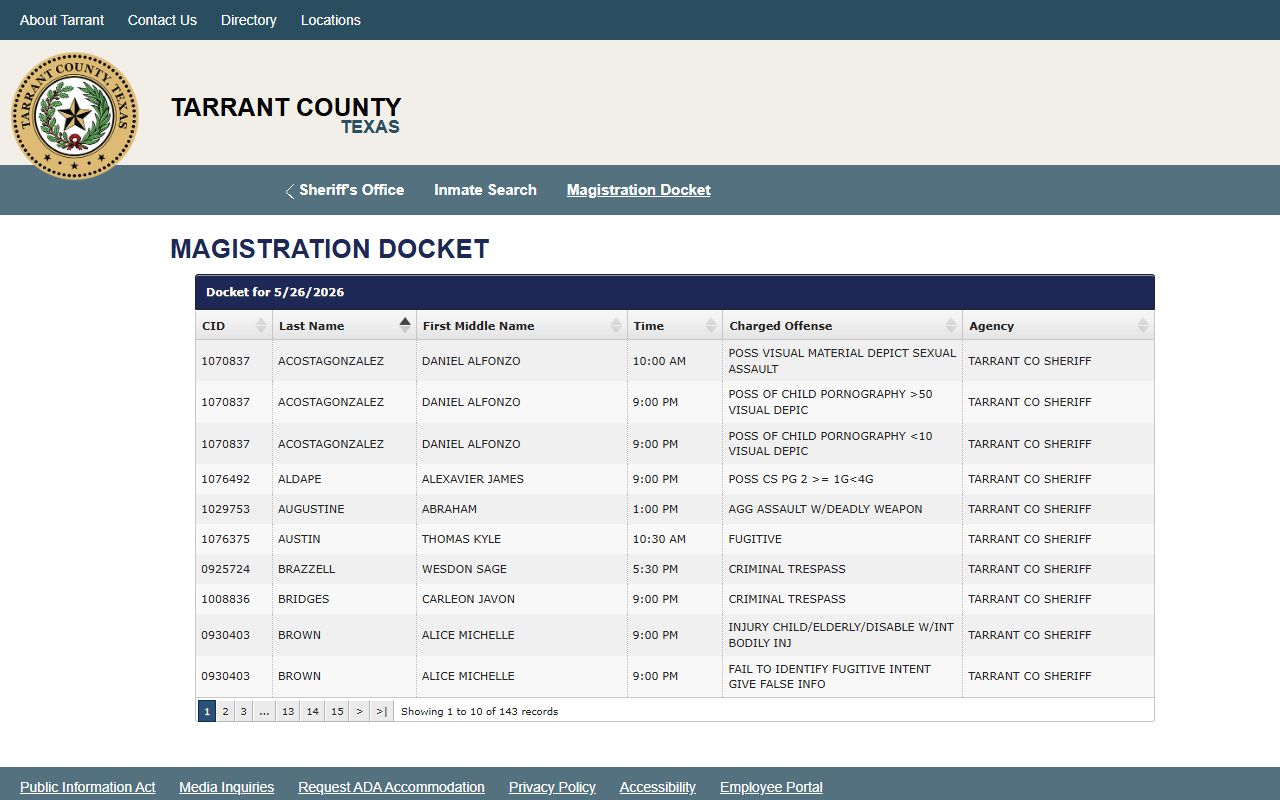
That tool ties booked-in people to their first court setting, so it fills the gap before a case lands in the District Clerk or County Clerk system. Keep in mind the magistration docket is a custody and first-appearance list. It is not the full criminal case docket, and current custody status is tracked apart from the case file itself.
The magistration step sets bond. Bond may be cash, surety, personal bond, or no bond depending on the charge and the court. The Detention Bureau books roughly 35,000 people a year, so this docket turns over fast.
Sample Tarrant County Docket Entry
Each docket entry is one line in the case timeline. Read across the line and it tells you the date, the event, who filed it, and whether a document is attached. The fields below show what a typical entry carries and what each part means.
| Field | What It Shows |
|---|---|
| Entry Date | The filing, recording, or instrument date for that event |
| Event Type | The kind of action, such as a motion, order, citation, hearing, or judgment |
| Party Filing | Which side filed it, such as plaintiff, defendant, petitioner, or the court |
| Document Link | A preview or copy of the paper itself when the portal hosts the image |
The County Clerk portal tags documents with short type codes. You will see D for Deed, DT for Deed of Trust, J for Judgment, O for Order, PET for Petition, PROB for Probate, and WILL for a will. On the document side, an entry may also carry a document or instrument number, the parties, and a legal description. Those codes turn a wall of entries into something you can scan.
Courts That Publish Dockets in Tarrant County
Not every court posts its docket the same way. District and county records flow through the two clerk portals. Justice and municipal courts keep theirs court by court. Here is where each level's docket lives.
- District courts - felony criminal, major civil, family, and juvenile dockets, held by the District Clerk and the Court Document Lookup service.
- County Courts at Law - mid-size civil, probate, and misdemeanor dockets, routed through the County Clerk Official Records Search.
- Justice of the Peace courts - the eight Justice Courts keep small-claims, eviction, and citation dockets on their own court pages.
- Municipal courts - city traffic and ordinance dockets stay with the city court that issued the ticket.
The District Clerk has a long tech record for these dockets. The office started remote filing in 1995, added web document images in 2004, and opened public Court Document Lookup in 2010. For court-by-court contact details, the Tarrant County District Court page lists each numbered court, its building, and its floor.
State Dockets vs Federal PACER Dockets
State and federal dockets are two separate worlds. Everything above covers Tarrant County state courts. A federal case never shows up there. Federal civil and criminal dockets for North Texas sit in the U.S. District Court system and are searched through PACER, the national online docket service. If your case is federal, skip the county portals entirely.
PACER stands for Public Access to Court Electronic Records. It is the federal docket and document system. You start by finding the right court in the CM/ECF lookup. The PACER CM/ECF court lookup points you to the correct federal court before you search.
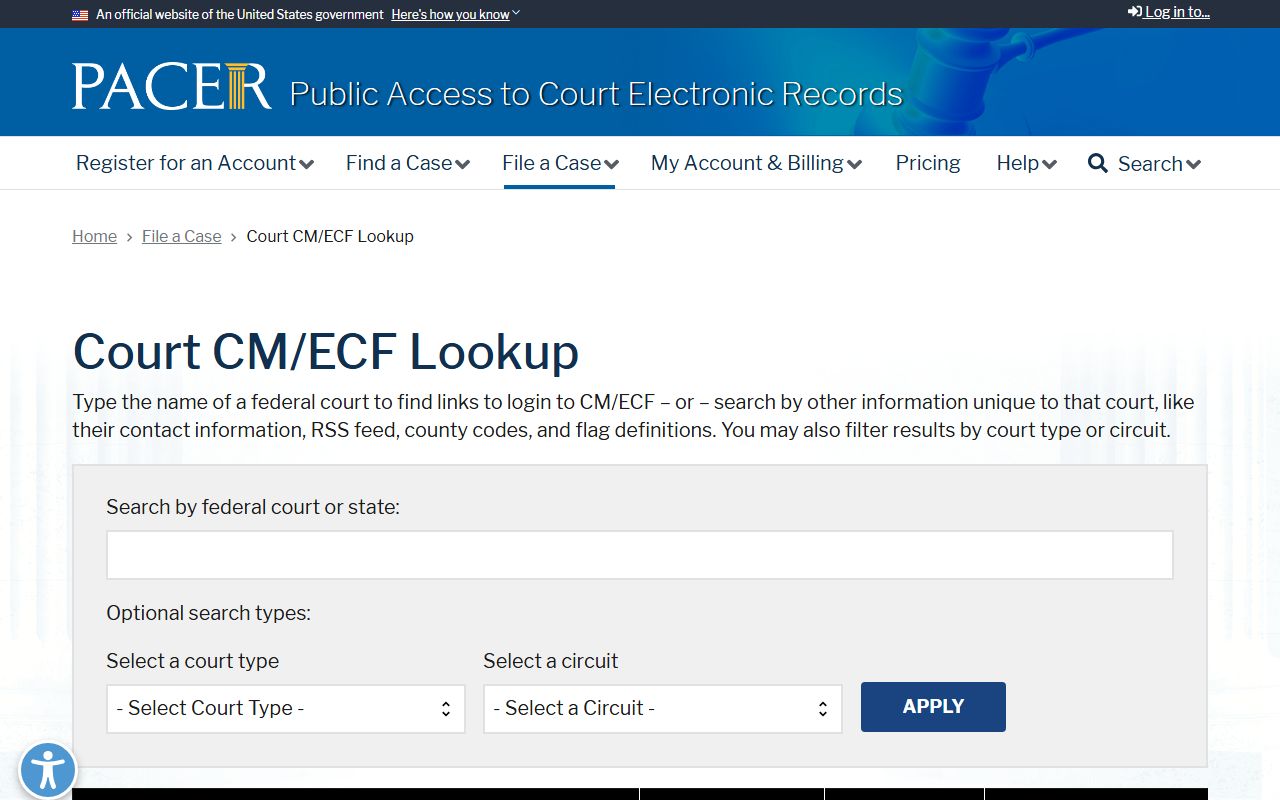
For cases tied to Tarrant County, that court is the Northern District of Texas, which holds court in Fort Worth. The federal docket there carries the same kinds of entries as a state docket, motions, orders, hearings, and judgments, but it uses federal numbering and its own fee structure.
You can confirm the local federal court before you log in. The court publishes its Fort Worth division page with its address and contact details.
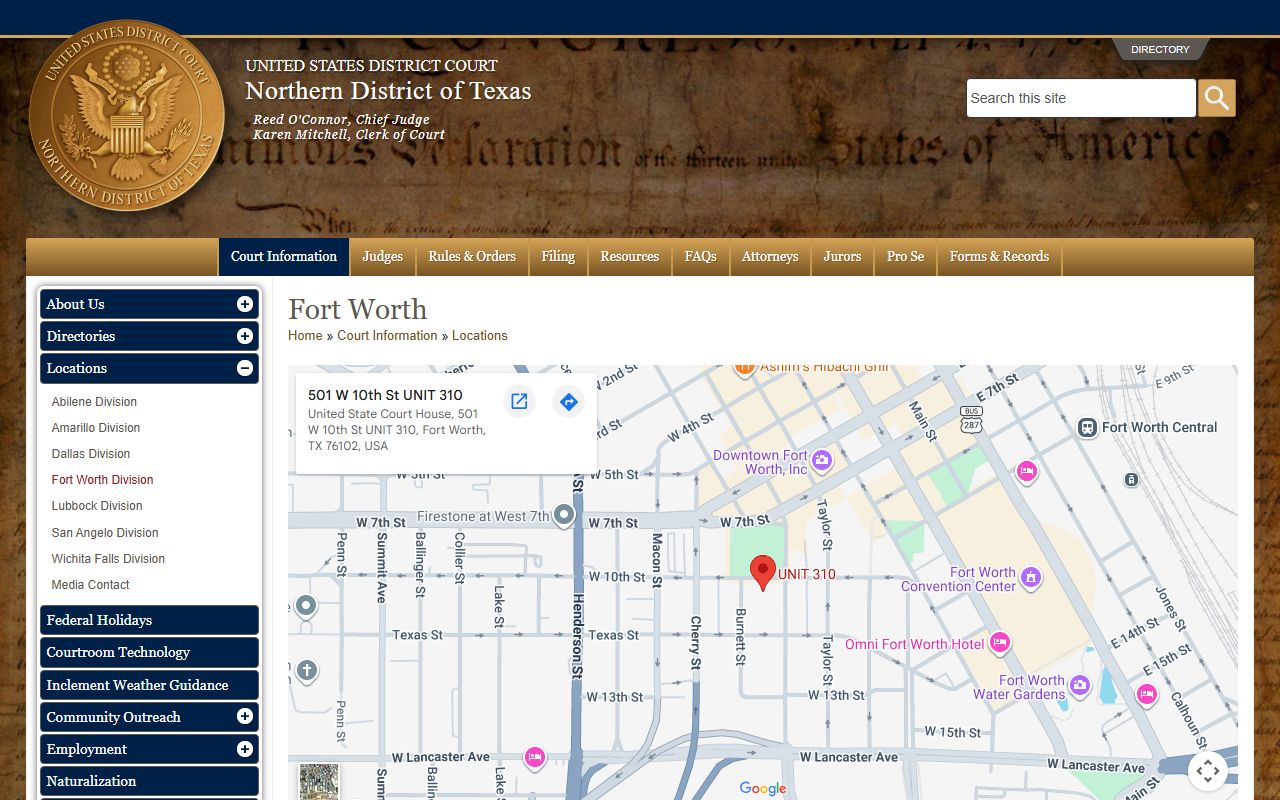
So the rule is simple. State Tarrant County dockets come from the District Clerk or County Clerk portals. Federal dockets for the same area come from PACER and the Fort Worth federal division. Do not search one looking for the other.
Docket vs Full Case Record
The docket and the full case file are not the same thing. A docket is the index. It lists the events. The full record holds the actual documents behind those events, the motions, the exhibits, the signed orders. You use the docket to track where a case stands. You pull the full record when you need to read the papers themselves.
| Docket | Full Case Record | |
|---|---|---|
| Format | List of entries | Full documents |
| Access | Often online and free to view | May require a fee or a visit |
| Use | Track case progress | Legal review, evidence, certified copies |
Cost lines up with that split. Viewing a record onsite is free at the clerk's office. The District Clerk Court Document Lookup is free as a self-service tool onsite. A clerk-performed basic search runs $5. Remote access from home or office costs a $120 setup fee plus $35 a month. Copies cost $1 a page for non-certified paper and $1 a page for certified copies. For the full files behind the entries, see Tarrant County court records.
How to Read a Tarrant County Docket
Read a docket from the top down. The earliest filing usually sits first. The most recent action sits last. Look for the document type code, the date, and the party. A petition or indictment starts the case. Motions and orders move it along. A judgment or a disposition ends it. The disposition line is the one that tells you the result, not the charge at the top.
A few status words show up again and again. Pending or open means the case is still live. Disposed or closed means it ended. Dismissed means the claim or charge was dropped. A case can be dismissed with prejudice, meaning it cannot be refiled, or without prejudice, meaning it can come back. Sealed or expunged entries are removed or hidden from public view under court order. An arrest or a charge is never the same as a conviction, so do not read a single early entry as the outcome.
Watch the abbreviations too. A capias is a writ ordering an arrest, often after a missed setting. A continuance pushed a hearing to a later date. A writ directs an officer to act. If a docket entry looks wrong, the fix goes through the court that created it, not through any private site. Criminal cases carry extra steps, and the arrest records page covers how charges and bookings tie back to a case docket.
Note: Online docket data is a public service and can lag, so a fresh filing may take a day or more to post.